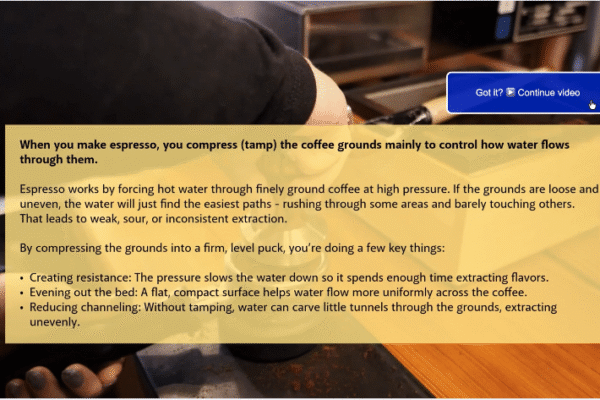
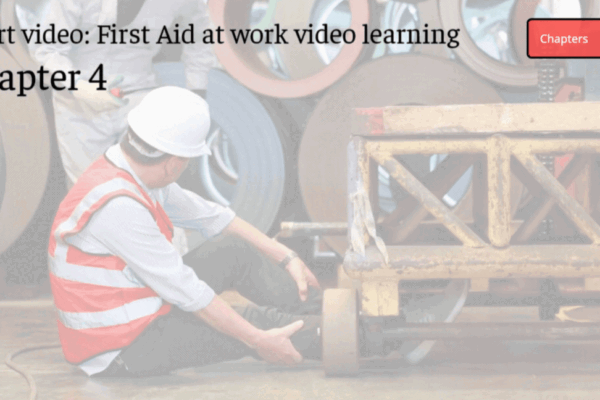
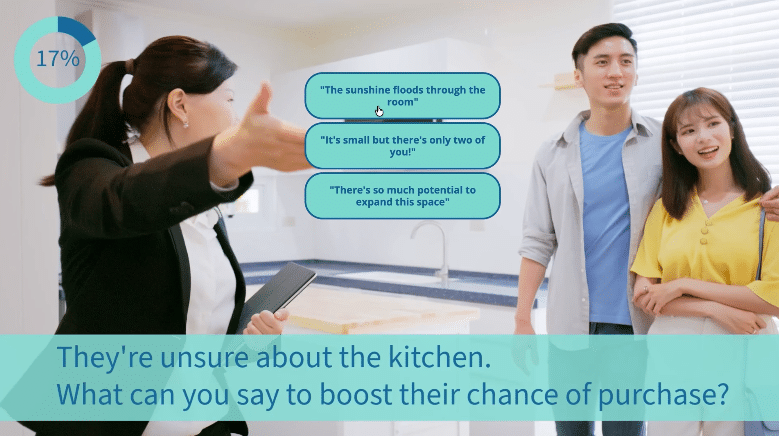
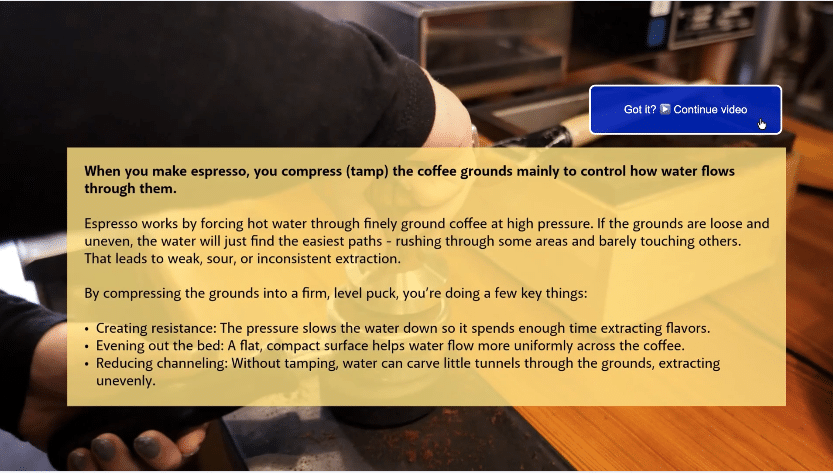
Let your viewer digest at their own pace and move on when they are ready.
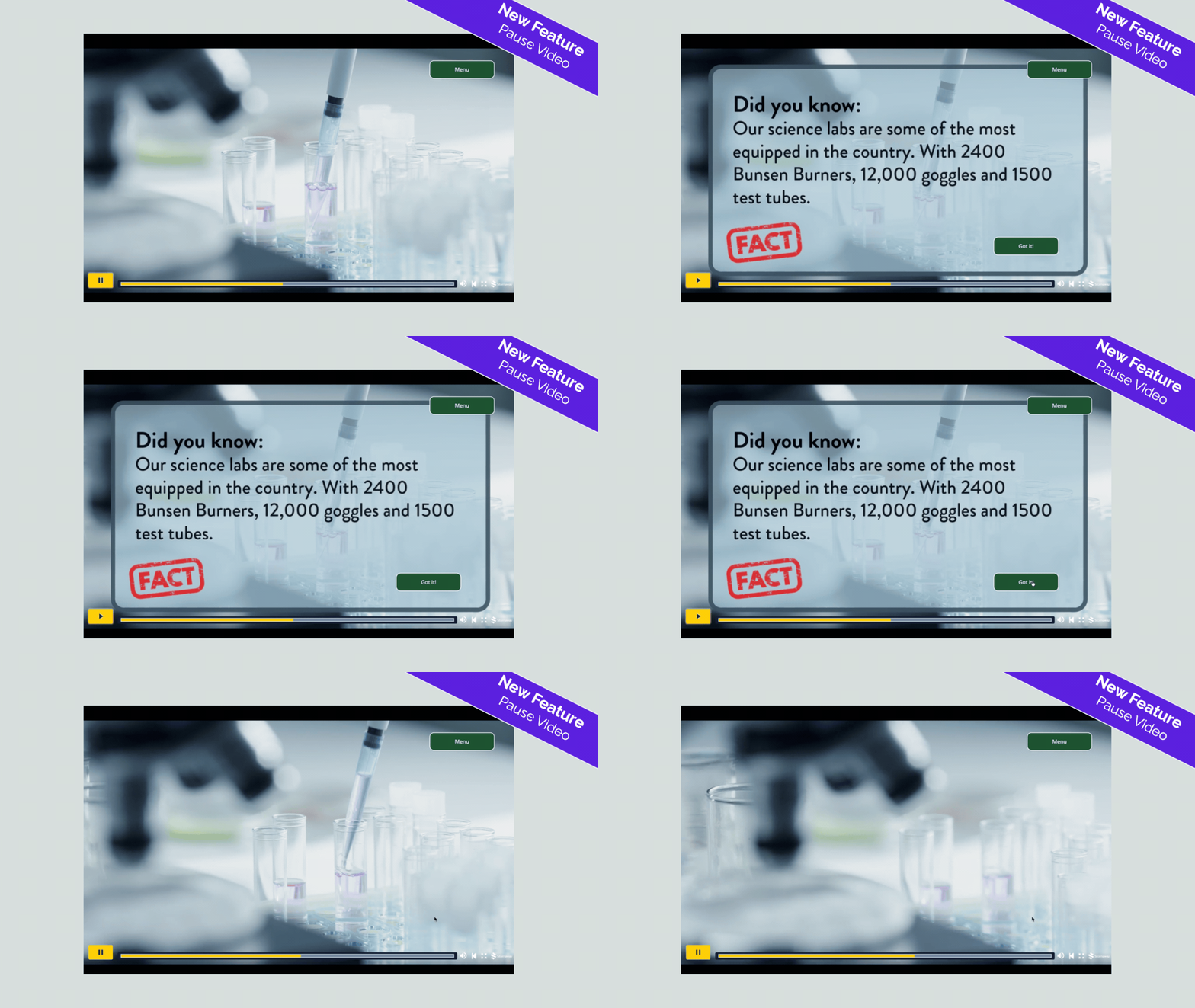
Pausing the video when key information is on screen allows your viewer to take control of when they move on.
By giving your viewer the power to decide when they are ready to continue watching, you are allowing them to take the time they need to process and move on.
Some information takes longer to digest. Maybe you have words on the screen that you want your viewer to read, perhaps there’s a question that needs to be thought about.
Highlight the important things that you want the viewer to engage with by making them stay on the screen until a choice is made to restart the video.
Learn, retain, use.
✨ Get this feature during your 7-day free trial of Stornaway – then unlock its full creative power by upgrading to any of our subscription plans.
🪄 Pause Video feature in action
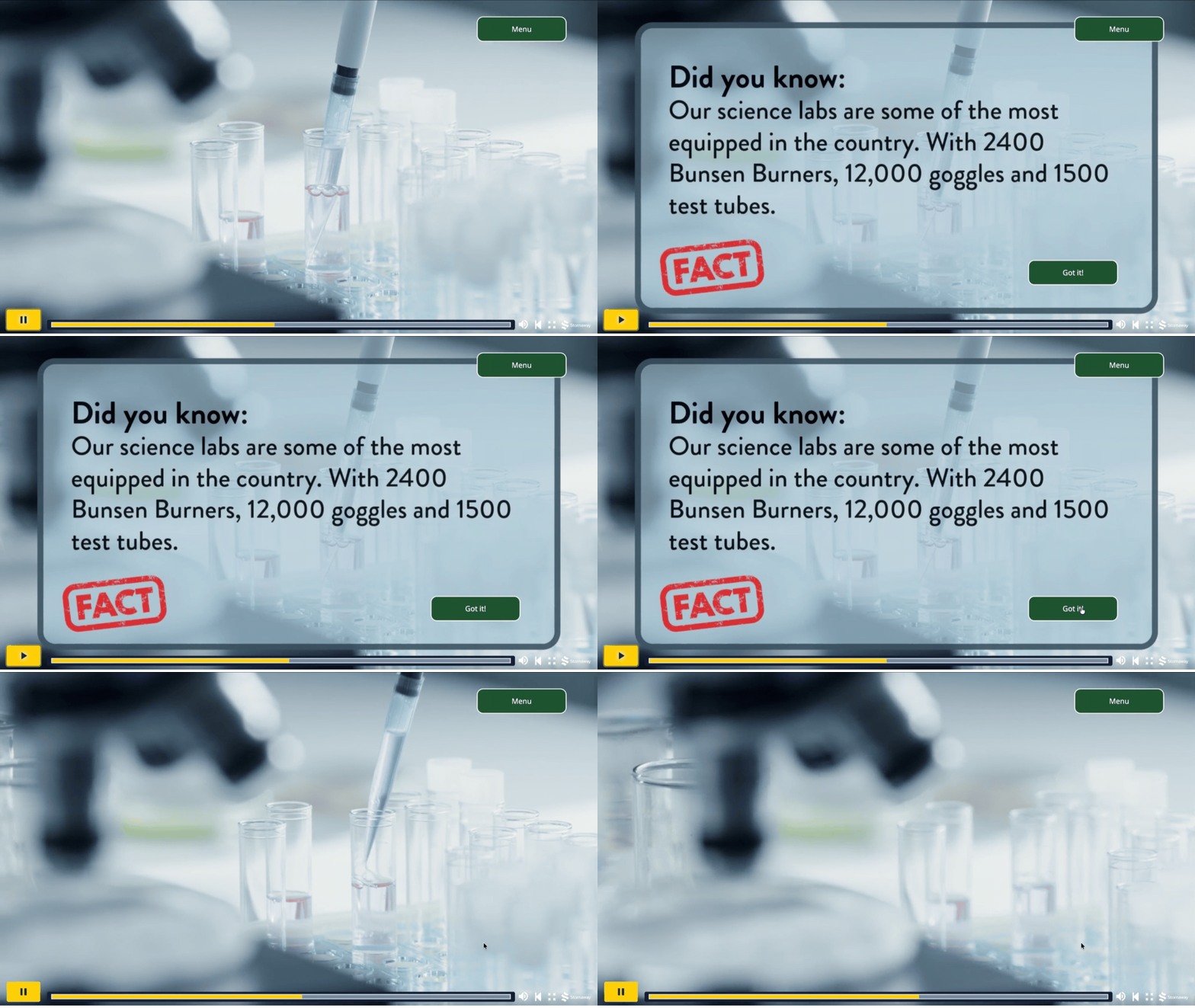

👉 How to use the Pause Video feature
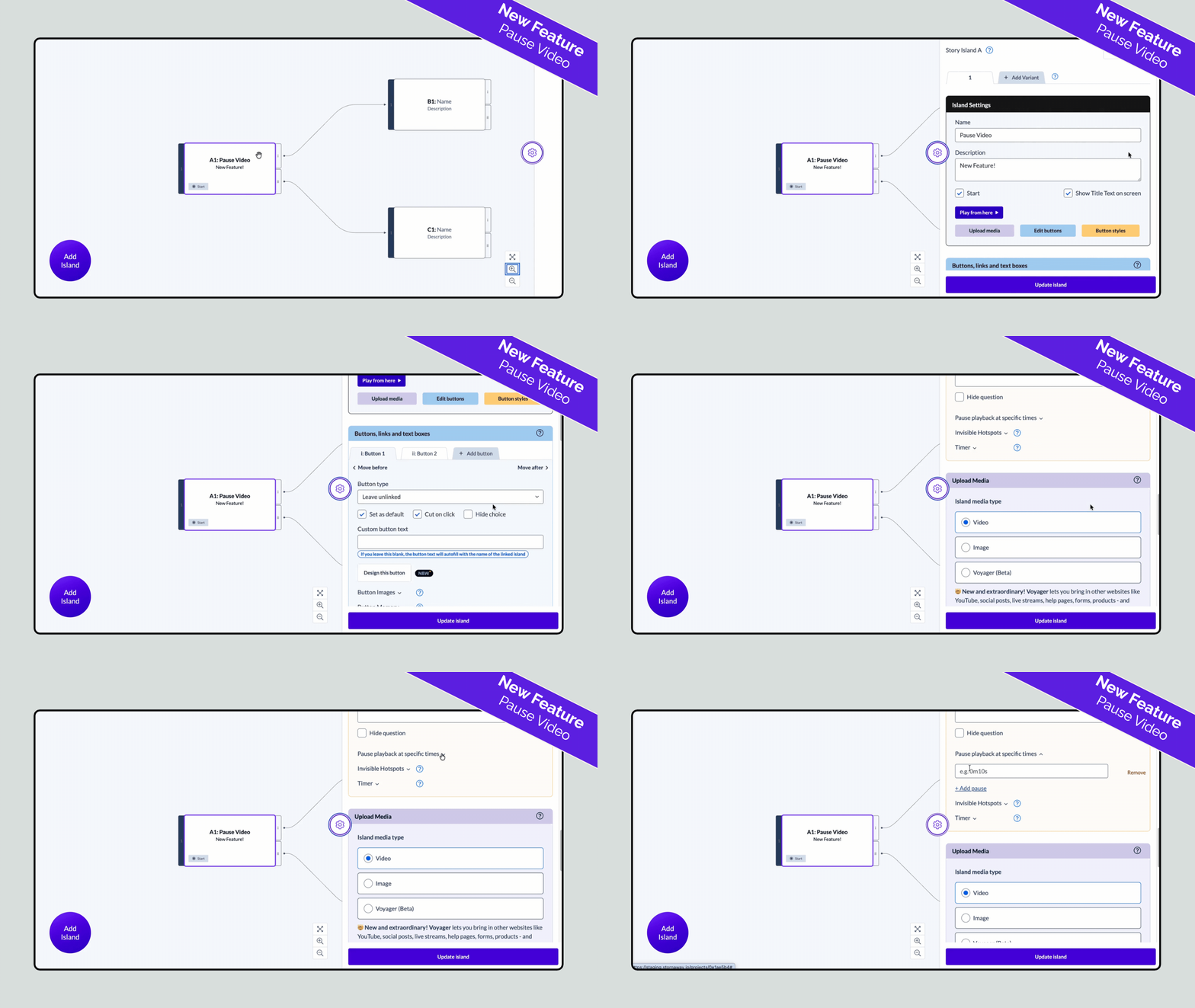
Step 1
Go into your project and select the Island that you are adding the pause to > open the settings panel.
Step 2
Scroll on down to the Settings and styles for all buttons
Here, you’ll find: Pause playback at specific times

Step 3
Enter the time – in 0m0s format – that you want the video to pause at.
Step 4
Viewers can restart by pressing anywhere on the screen, by pressing “play” on the project timeline bar, or by pressing a button on the screen.
Having the viewer actively press a button on the screen is our recommended option – you have the viewer make a decision to progress.
✨ Tips and Tricks
🔗 Show/Hide button + Jump to Time
Set your button to appear at the same time that your video pauses.
In the Buttons, links and text boxes section, you can create settings for individual buttons.
You can have the button appear at a specific time (in 0m0s format).
Leave the button “unlinked” and use “link to time” to make it start playing the video again at a specific time.
Find out more about: