
Adaptive video: the next generation of interactive video creation

by Brock Horning | June 2026
The next generation of interactive video creation is here. Adaptive video is what interactive should be. What it always promised to be. A way to author content that gives your audience agency whilst guiding them down paths that feel personalised and engaging – with the data to prove it.
Whether you are looking to increase conversions, boost engagement or improve your customer journey, adaptive video can make all the difference.
This is your guide to adaptive video
This explainer covers:
- What makes a video interactive
- Taking it to the next level with adaptive video
- The benefits of adaptive video
- Which industries are already winning with this new technology?
- Best practices for making adaptive video
- How to get started with adaptive video
Read from the beginning or skip ahead, the choice is yours.
What makes a video interactive?
Unlike normal videos (which we’re going to call ‘linear’ from here on out), interactive videos give you more options than simply ‘play’ and ‘pause’.
It’s a type of media that allows the viewer – or perhaps more accurately, the player – to interact and click on different elements within the video. There’s a surprisingly large range of possibilities to explore, from simple chapters and navigation to shoppable videos and pop-up links.
Ultimately, the more interactive you make your video, the longer your viewers will watch it – and recent studies back this up.

Popular ways to use interactive video include:
- Clickable buttons – let viewers click directly on specific areas of the video to jump elsewhere, maybe to a video or webpage
- Branching pathways – allow viewers to choose different pathways through a video depending on their preferences, interests or requirements
- Chapters and Navigation – Give viewers the option to skip ahead or back to different sections of the video
- Quizzes – bring buttons and branching pathways together to ask questions and get a personalised result
But this is the tip of the iceberg. There’s so much more that video can do
Taking it to the next level: what makes an adaptive video
Where interactive video makes small upgrades to linear media, adaptive video creates a complete and seamless experience. It’s video that completely adapts to the needs of the viewer.
Here are a few things you can do with adaptive video:
- Fully adapt the video to the individual – guide the viewer’s journey depending on the pathways taken or written answers given rather than AI behavioral guesswork.
- Embed webpages and pop-ups into your video – don’t make viewers click out to another tab, bring the webpage to them by embedding it into the video.
- Track scoring and variables – Collect quiz answers and modules completed, and reflect this back to the viewer in real time.
- Personalize the viewing experience – Let viewers set their preferences for language, subtitles, or other key accessibility features such as reduced background noise.
- See individual viewer journeys and decisions – keep track of everything an individual viewer has seen, done or inputted – no more need for an LMS. This is adaptive video learning with qualitative and quatative data built in.
- Collect and store audience information through forms – Add opportunities for viewers to write their responses and share information within the video. No more static forms at the end of a linear video.
And so much more.
The many benefits of adaptive video
Adaptive video could have a major impact on your business.

Better engagement
The simple act of giving the viewer choice brings deeper engagement. If you’ve made an active choice, you’re already invested in the outcome. It’s a fundamentally different experience from the viewer’s perspective. Like joining a conversation of equals rather than listening to someone go on and on.
The combination of active engagement and viewer-led personalization makes it easier to hold your audience’s attention.
Stronger personalization
Guide viewers through your video experience, allowing them agency to personalize their experience but retaining control of the journey.
There’s no need to rely on generic introductions or front-loading explanations, no call for guesswork based on past behavior. Individual viewers can head straight to the information that’s relevant to them, or to work through the video in the order that makes sense to them. They can turn on the accessibility features they need or share information without leaving the video.
This guided authorship creates a smoother way to explore complex topics without overwhelming your audience or handing control over to AI.

Higher conversion rates
A successful conversion is often about delivering the right message at the right moment – and that’s something adaptive video excels at.
Research found that interactive video converts at a higher rate than other types of video ads. It has a click-through rate of 11% compared to less than 1% of click-throughs on YouTube annotations and Google Ads. Adaptive video ties interactivity with frictionless omnichannel experiences to increase conversions.
Clearer audience insights
Adaptive video tracks every click, every video watched from each viewer.
This session-level data is invaluable for truly understanding your audience. How can you reduce friction on your customer journey? Where are learners needing extra resources? Where do your employees need extra training?
This helpful feedback loop helps creators understand their audience’s preferences, interests and knowledge gaps. This can help inform everything from learning modules to sales pitches to immersive entertainment experiences.
Who is already finding success with adaptive video?
Adaptive video can help make a real difference to every business, however we’re seeing it expanding quickly in some specific industries:
e-Learning & Training
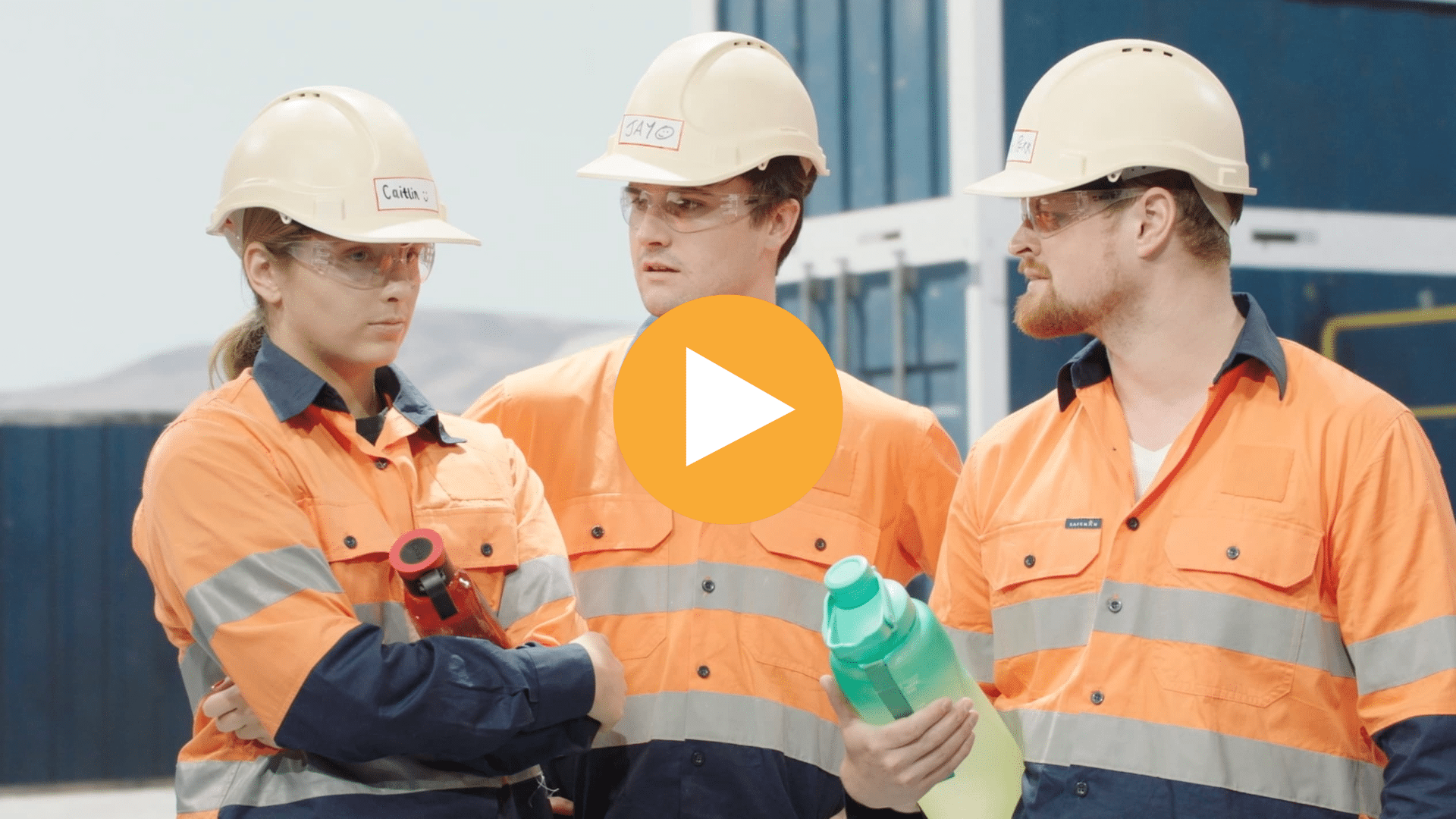
Click to play Breaking the Silence, Building Respect by RMIT University
Learning & Training teams are creating fully interactive e-learning courses and seamlessly delivering them through any chosen LMS. Learners get all the benefits of one-to-one teaching, showing greater understanding, stronger engagement and higher information retention than linear training videos.
Guide employees through challenging scenarios in a safe environment without business consequences. Allow your training videos to adapt the order, difficulty, style or learning materials depending on the learner’s knowledge and preferences.
Edutainment
Click to play Mission Maglev by Class CrunchLabs
A combination of education and entertainment, this once-niche approach to learning is gaining real momentum. Edutainment embraces that inner satisfaction when we overcome a challenge by using gamification to boost the learner’s motivation to continue.
This can come in the form of interactive storytelling, scores and leaderboards, badge rewards, extended reality scenarios and more. The core concept is: if the learner is having fun, they will pay closer attention, take it all in and remember more of it afterwards.
Marketing & Communications

Click to play Taunton School Campus Tour by Bear House Media
How do you create one video that can appeal to your entire target audience? How do you distil your huge range of services and products into a single narrative? Adaptive video is the ideal solution for sharing large or complex topics without overwhelming your audience.
Help viewers get straight to the services they are looking for. Demonstrate the full power of your products. Create a seamless experience through the customer journey. And, most importantly, connect with your viewers on an emotional level with an engaging and adaptive customer journey.
Immersive experiences
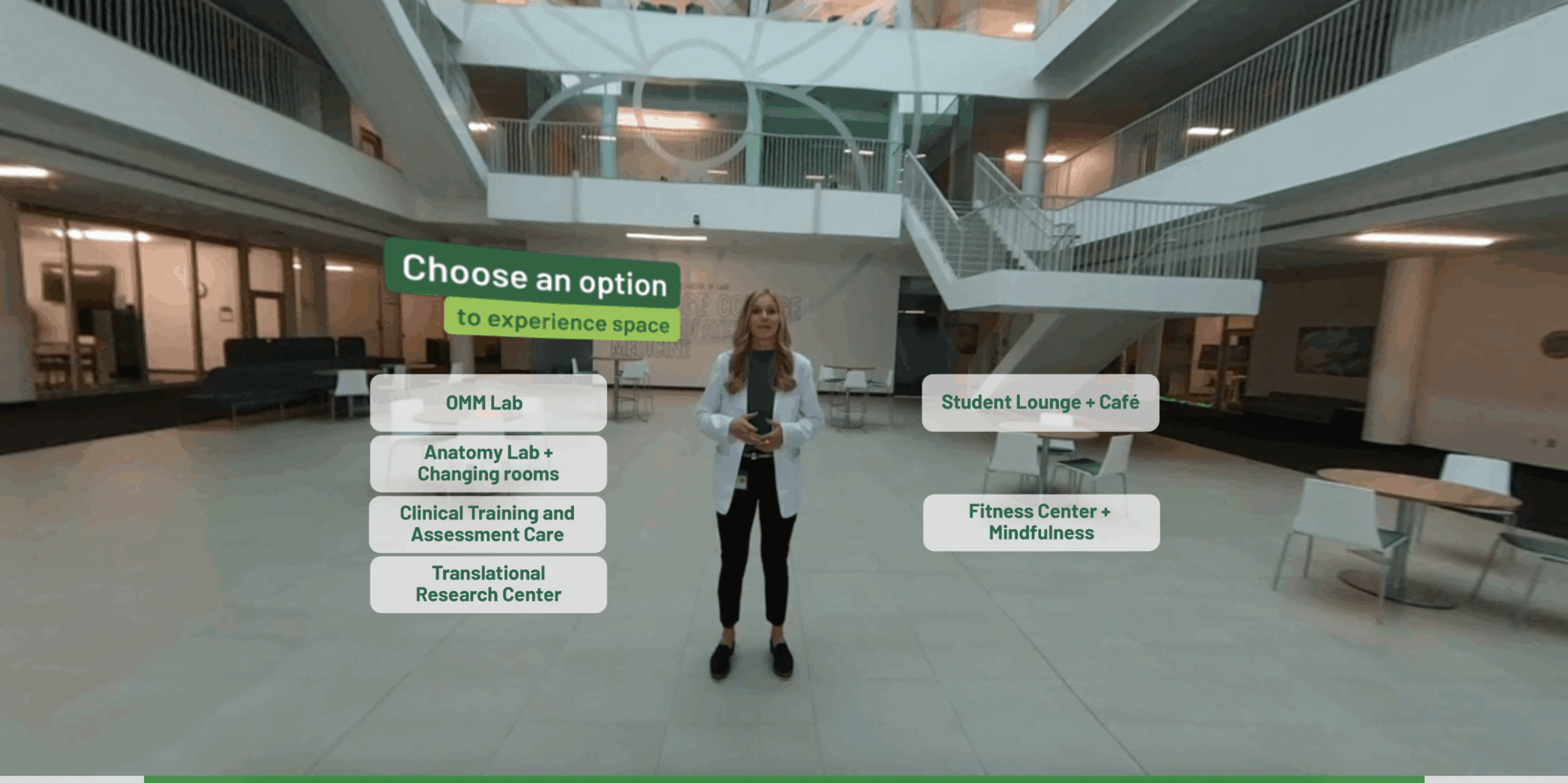
Click to play Ohio University’s Athens Campus Virtual 360 Tour
360 video and immersive experiences are making waves in entertainment, but that’s the only place where true value lies.
Interactive 360 video is shining in upskilling and training at work. Simulations, scenarios and soft skill training add sustainable value, particularly in DIRE situations (an acronym adapted by Stornaway founder Ru Howe) – Dangerous, Impossible, Remote or Expensive.
Place audiences inside your interactive experience, creating emotional engagement and attention levels that traditional video simply can’t match.
Best practices for creating adaptive video
Whatever your industry or aim, here are some helpful hints to reel your audience in and keep them engaged:
For more details and helpful hints, head over to the full article:
How to get started with adaptive video
If you’re inspired to introduce adaptive video to your business, here’s how to lay the right foundations for success.
Explore existing success stories
If you already have a project in mind, see if anyone has already taken a similar path and how it looks. Browse our use cases for a list of examples. Otherwise, get inspired by our Stornaway Selects showcase of incredible projects.
Define your goal and what success looks like
Think through what business goals you are looking to improve or resolve and what success would look like. Is it longer watch times? Better information retention? Higher conversions? Have a clear aim in mind from the start to give the project a clear purpose.
Have a play with the possibilities
Sign up for a free Stornaway trial and explore the opportunities for your organisation. Create a trial project to demonstrate the difference adaptive video could make to your team.

Click to play Forensics: The Real CSI by The Open University
Present your business case
Sign up for a free Stornaway trial and explore the opportunities for your organisation. Create a trial project to demonstrate the difference adaptive video could make to your team.
If you’re an agency looking to show your clients the power of adaptive video, here are a few tips to get them on board.
Frequently Asked Questions
What’s the difference between interactive video and adaptive video?
Adaptive video is what interactive video should be. Interactive video is limited in scope, allowing clickable buttons, simple quizzes and preset branching pathways.
As the name suggests, adaptive video fully adapts to the viewer by giving greater control over their journey. Adaptive video can accept viewer text entry and adapt the experience to match, it can change the pathway based on what the viewer has already seen (or not seen), and it can create a seamless bridge between video, webpage and other media.
It creates a conversation with your audience, tailoring their journey based on their needs and requirements.
Is adaptive video expensive to create?
We’re willing to bet that it’s less expensive than you think. With Stornaway, there’s no coding required, instant playback and hosting, and it can be embedded almost anywhere on the web or offline. These built-in capabilities remove all the more expensive elements of interactivity – saving more budget for quality content.
Have a look at our pricing page to find the best plan to cover your requirements.
Can I want to turn my existing linear videos into an adaptive video?
Great idea! This is how many creators begin exploring the benefits of adaptive video. Simply by allowing your audience to navigate their way through your existing linear videos can bring higher engagement levels and better information retention.
Several Stornaway features make this process quick and easy.
- Link to time – create chapter points by linking directly to specific moments in any video
- Pause at – stop the video at any moment, and add clickable buttons to give the viewer a choice or to answer a question.
- Drop-down menus: create a full set of navigation buttons linked together. These can be hidden behind a hamburger menu or similar to be opened out when needed.
Are there any analytics? Can I see what my viewers have clicked on?
There’s plenty of data to dive into. It’s the perfect way to understand your audience and discover what they really care about.
Stornaway tracks and stores every click and every watch time at an individual level. See how your audience are moving through your adaptive video and use this to improve the experience or to inform other areas of your business. Our analytics dashboard can even replace your LMS by storing individual answers and pass/fail scores.
Do you have real examples to play?
If you have a specific project in mind, we have a series of impactful examples listed by industry.
For more general inspiration, our Stornaway Selects showcase highlights some incredible examples from an eclectic mix of creators and industries. Come and see what is possible: